Table of Contents
ToggleWhat is Dota 2?
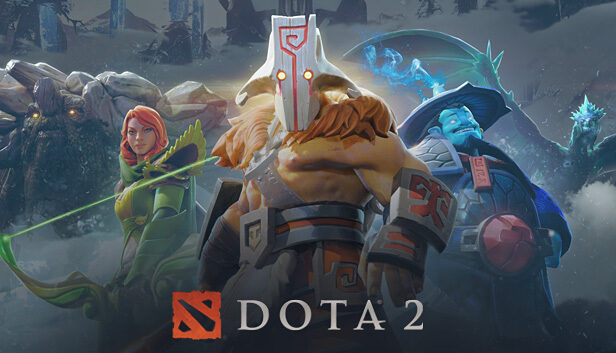
Dota 2 is a multiplayer online game in the MOBA genre (Multiplayer Online Battle Arena) developed by Valve. In the game, two teams of five players compete on a single map with the main objective of destroying the enemy’s main structure called the Ancient.
Each player controls a unique hero with their own abilities, playstyle, and role within the team. During a match, players earn gold and experience, strengthen their heroes, purchase items, and cooperate with teammates to achieve victory.
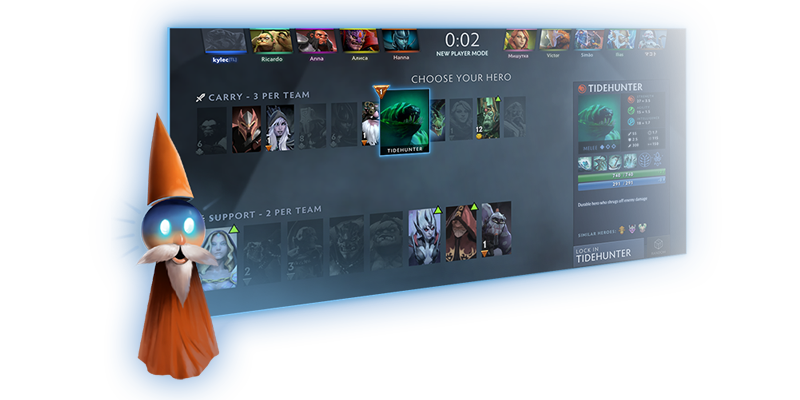
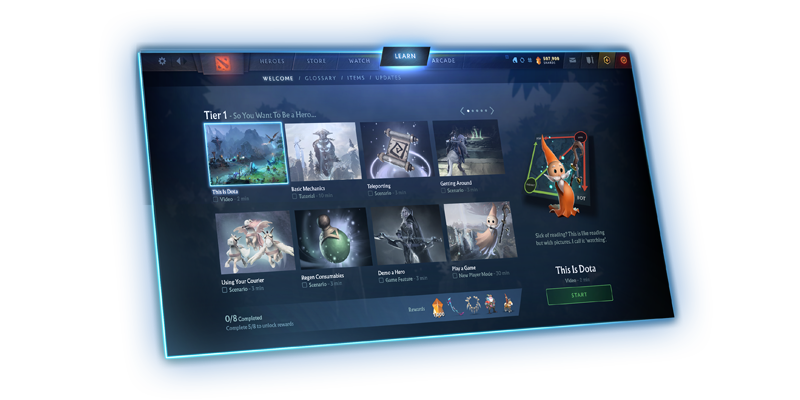
Dota 2 combines strategy, teamwork, and fast decision-making. Despite its complexity, the game offers built-in tutorials, helpful tips, and beginner-friendly modes, which makes it more accessible for new players.What makes a website/game user-friendly?
Dota 2 is a free multiplayer online game that offers built-in tutorials, tips, and beginner-friendly modes. A user-friendly interface helps players gradually understand game mechanics without being overwhelmed by information.

What makes a website/game user-friendly?
Dota 2 is a free multiplayer online game that offers built-in tutorials, tips, and beginner-friendly modes.
A user-friendly interface helps players gradually understand game mechanics without being overwhelmed by information.
Goal of the guide
To help someone who has never played Dota 2 understand the basic mechanics and confidently start playing.
Instructions:-
Open a browser
-
Search for “Dota 2 official website“
-
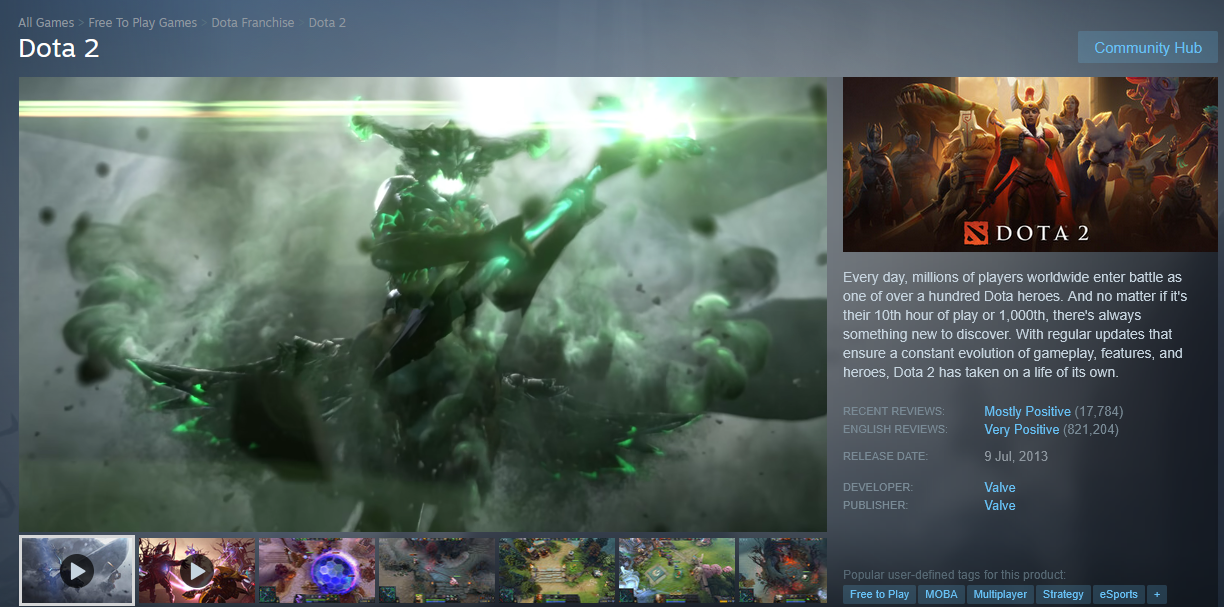
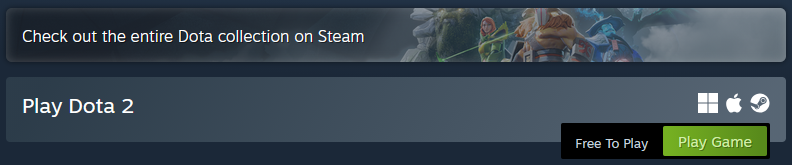
Go to the Steam page for Dota 2
Why it’s user-friendly: The official page provides a safe download link and a brief game description.
-

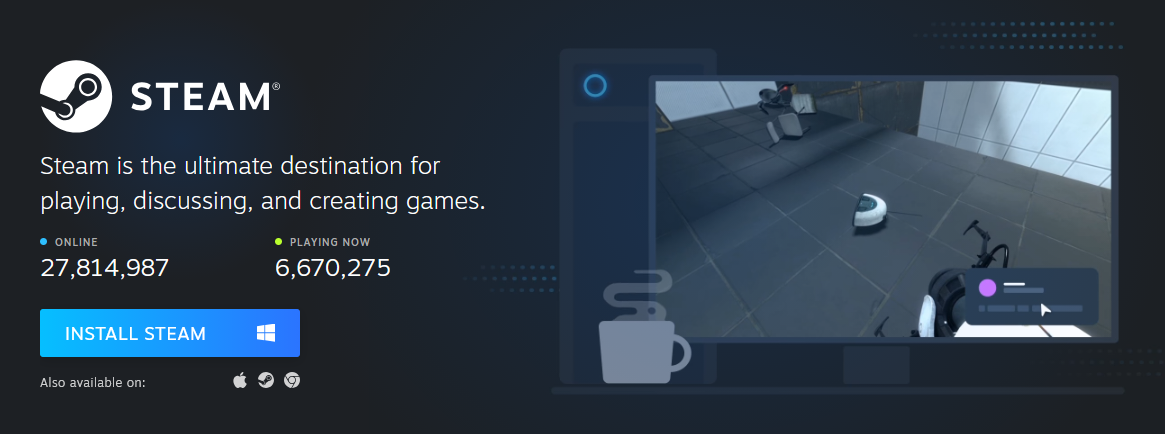
Install Steam
Instructions:
- Download and install the Steam application
- Register or log into your account
Why it matters: Steam is the platform used to run and update Dota 2.

Install Dota 2
Instructions:- Find Dota 2 in the Steam store
- Click the “Install” button
- Wait for the download to finish
User-friendly feature: The game is free and installs in just a few clicks.a

First launch
Instructions:
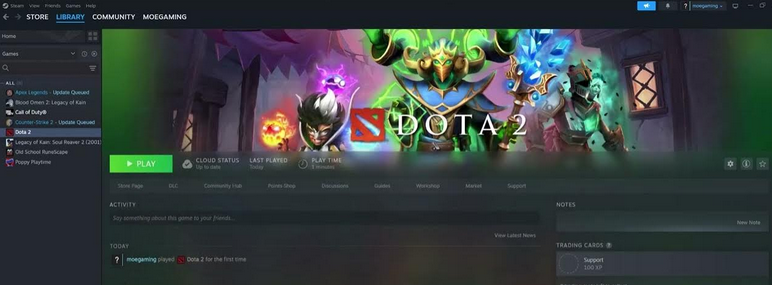
- Launch Dota 2 from your Steam library
- Choose language and graphics settings
Why it’s convenient: The game automatically suggests optimal settings for your computer

Complete the tutorial
Instructions:
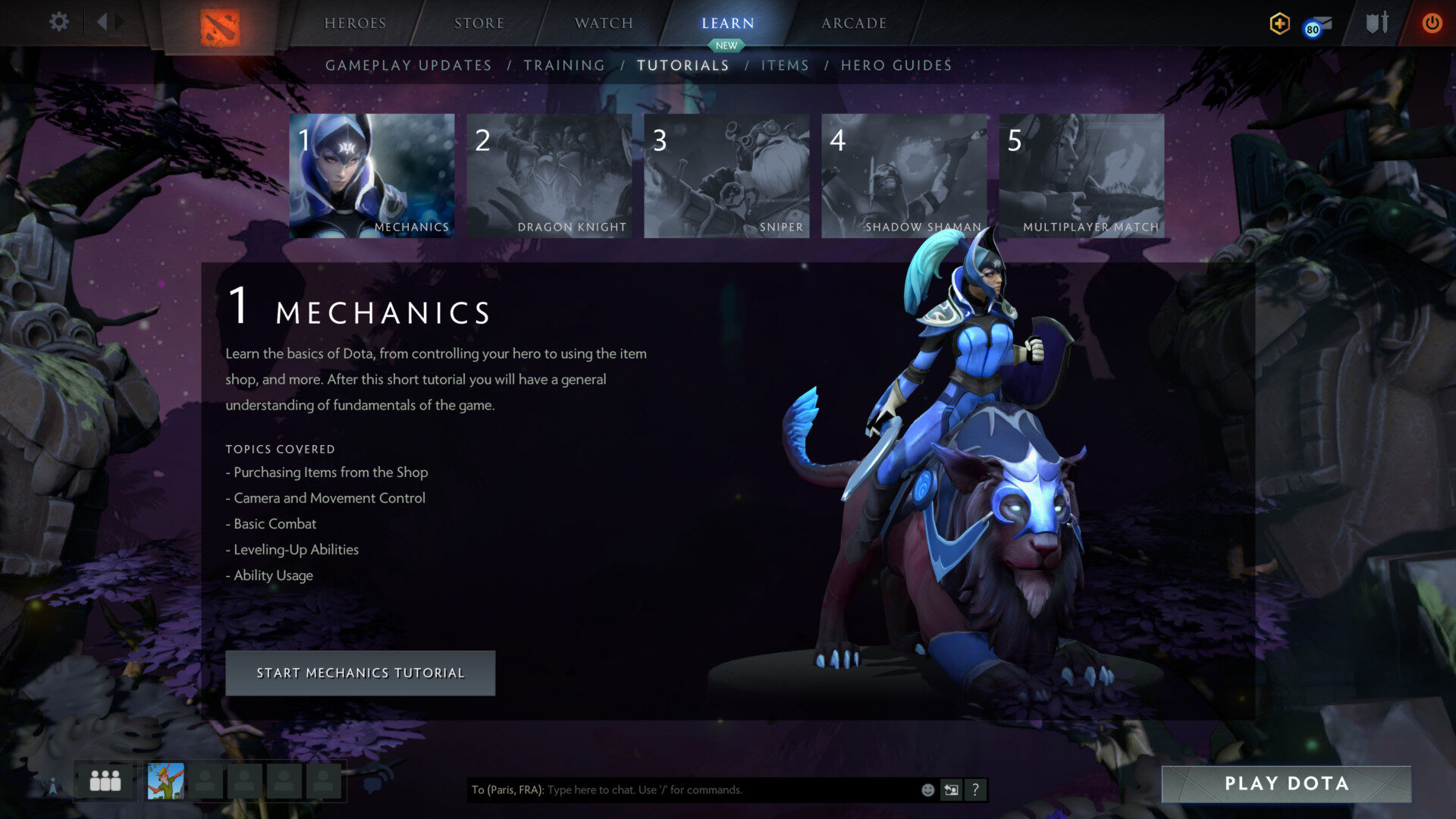
- From the main menu, select “Tutorial”
- Start the beginner training
What you learn:
- Hero movement
- Using abilities
- Attacking and last-hitting minionid

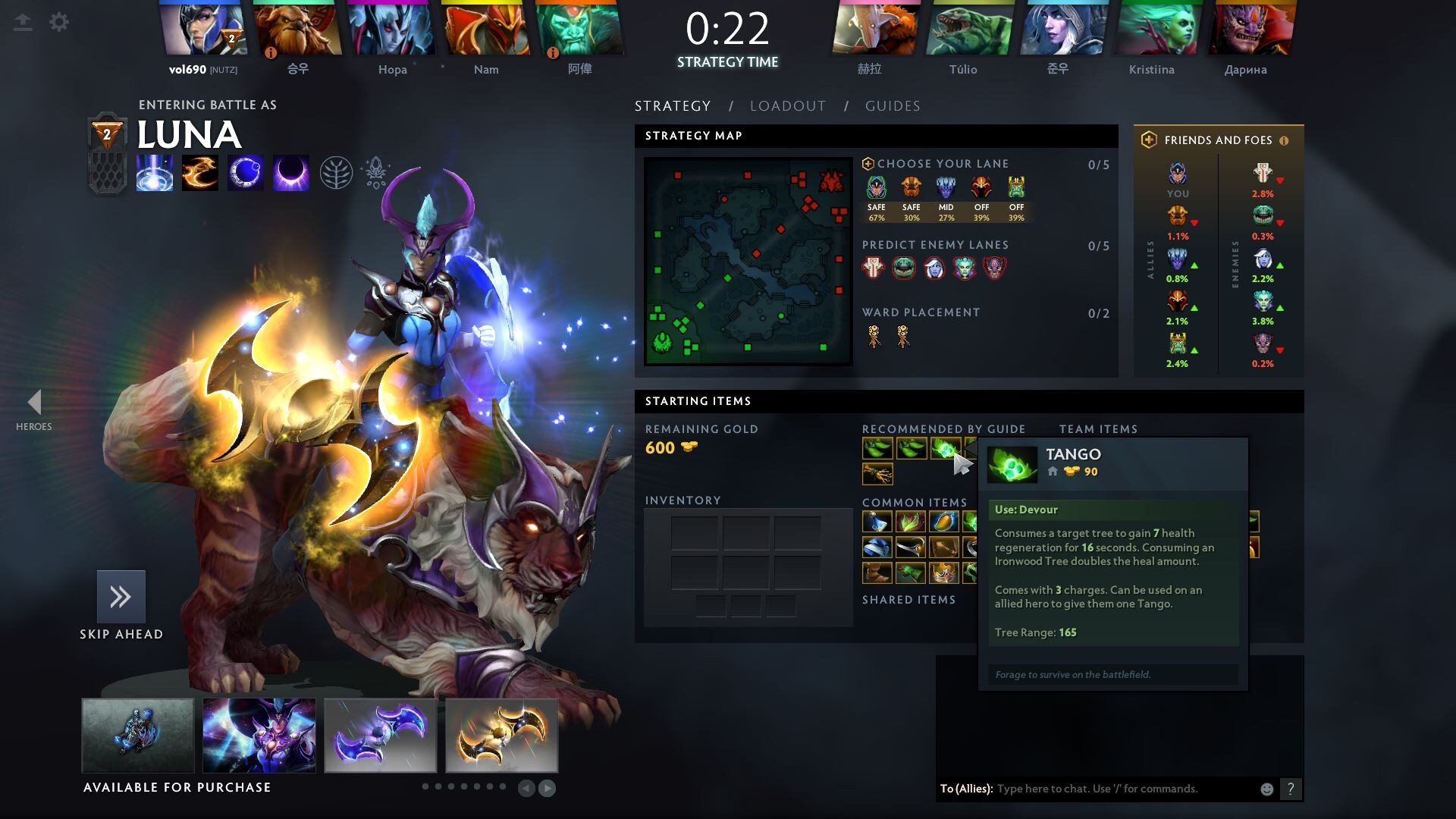
Understand hero roles
Instructions:
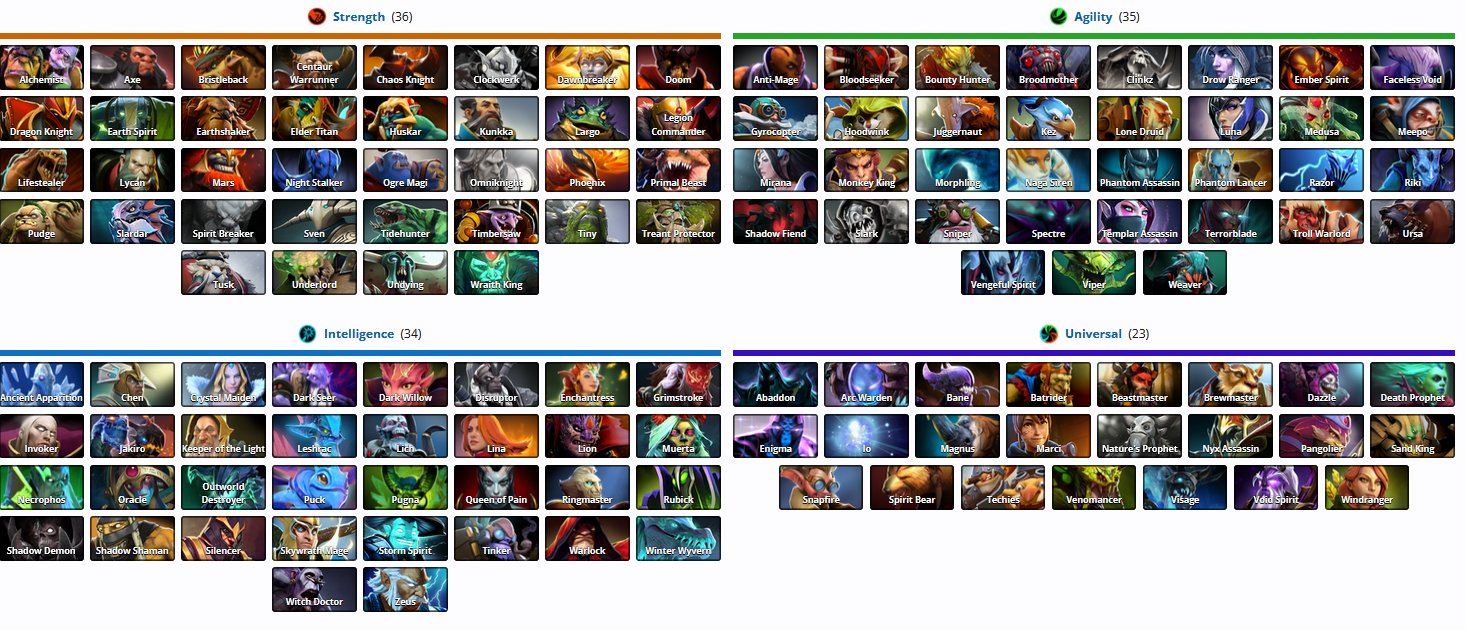
- Learn about roles: carry, support, offlaner
- Read short descriptions
Why it’s important: Roles help players understand each hero’s responsibilities in the team.

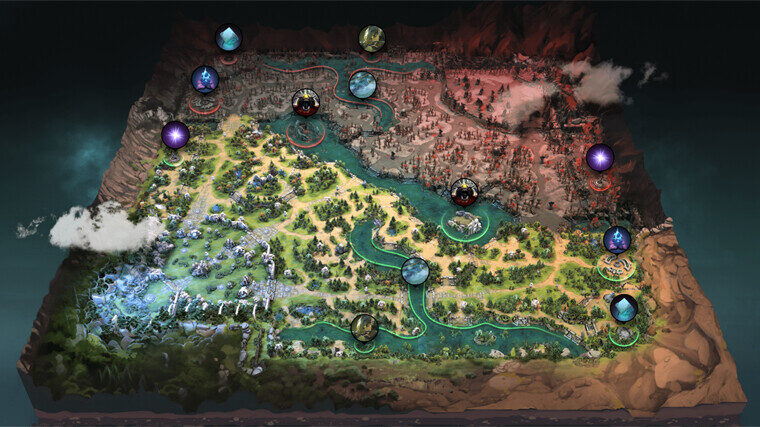
Learn the map
Instructions:
- Pay attention to the minimap
- Learn locations of lanes, jungle, and Roshan
Benefit: Knowing the map helps make better decisions and navigate efficiently.

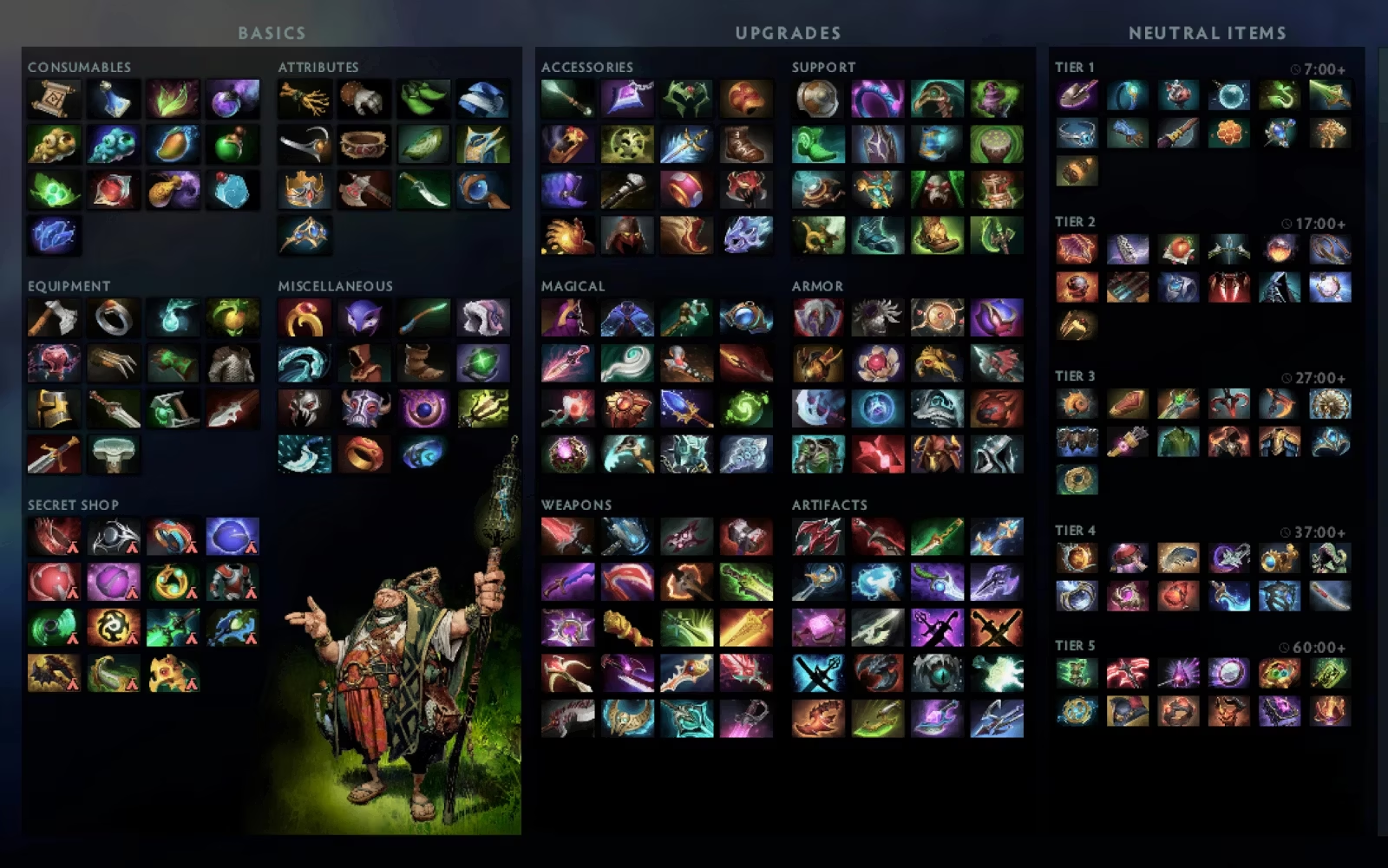
Items and shop
Instructions:
- Open the in-game shop
- Use recommended items
Why it’s convenient: Recommended item builds help beginners avoid mistake

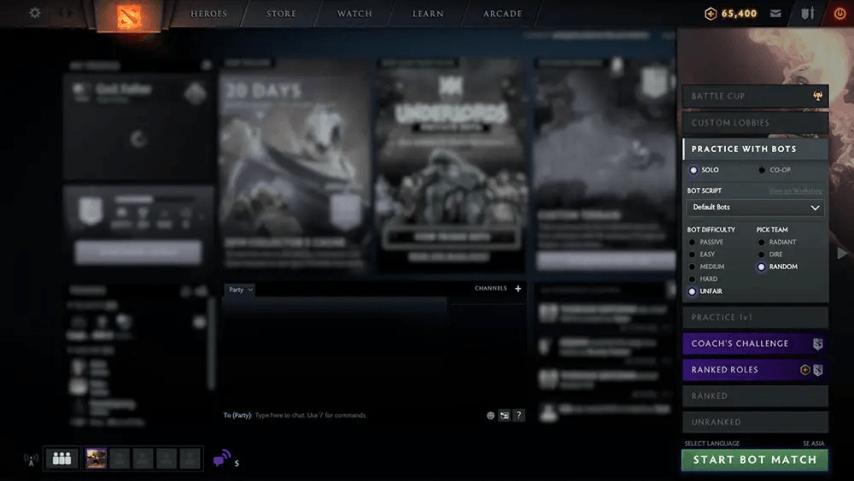
Play with bots
Instructions:
- Choose the “Play with Bots” mode
- Practice without pressure
Advantage: You can learn and make mistakes safely.

First game with real playersInstructions:
-
Choose a normal matchFollow hints and play as a team
Result:
Players gain first real experience and begin to improve.-

Conclusion
Dota 2 is an example of a complex but user-friendly game. Thanks to tutorials, tips, and beginner-friendly modes, even new players can gradually learn basic mechanics and start playing confidently.